Optical vs Mechanical Keyboard Switches: Which One Is Actually Better?
Published: 14 May 2026
If you’ve been shopping for a mechanical keyboard lately, you’ve probably come across the debate around optical vs mechanical switches. Both look similar, both feel satisfying to type on, and both have passionate fans who believe their favorite option is better.
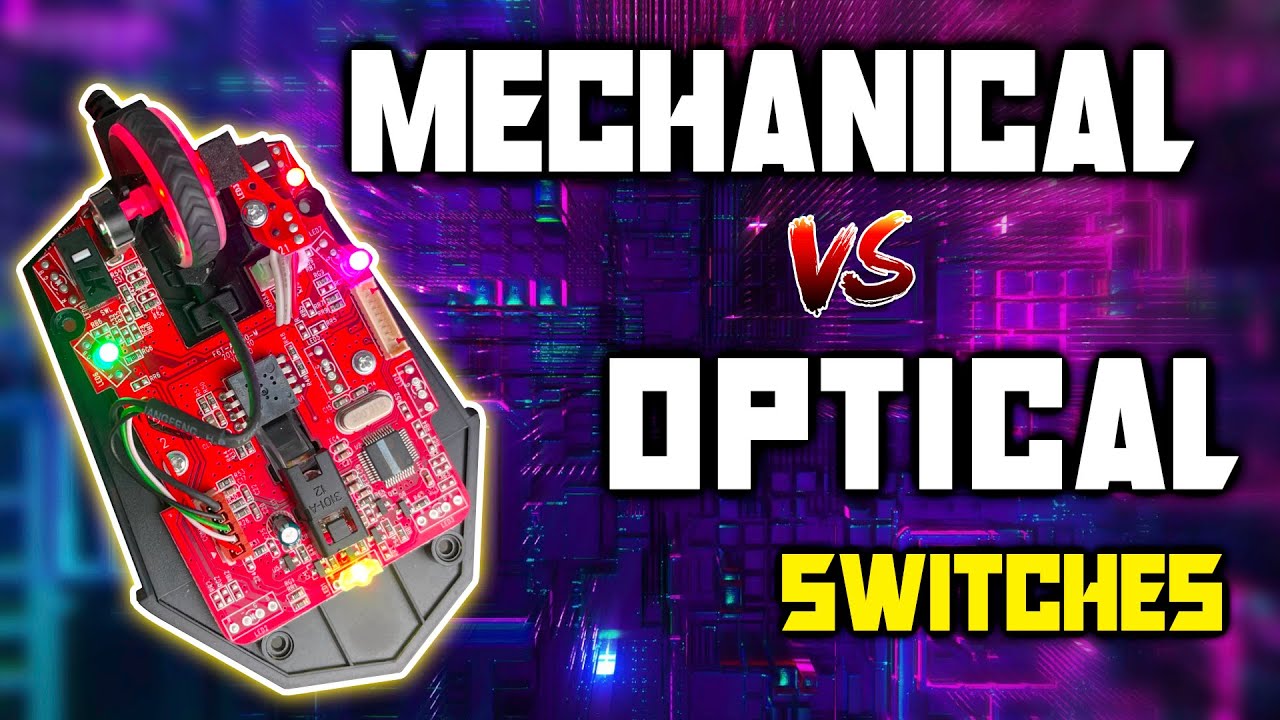
But the truth is simple: neither switch type is universally superior. Optical and mechanical switches are built differently, perform differently, and suit different users depending on gaming style, typing preference, and customization needs.
This guide explains the real differences between optical vs mechanical switches in simple language. By the end, you’ll know exactly which keyboard switch fits your setup, budget, and typing experience best.
1. What Are Mechanical Switches?
Mechanical switches are the classic choice among keyboard switches. They’ve been in keyboards since the 1980s and haven’t gone anywhere because they work incredibly well.
Inside every mechanical switch is a physical mechanism: a spring, a stem, and a pair of metal contact points. When you press a key, the stem pushes down, the contacts meet, and an electrical signal is sent to your computer. That signal registers as a keypress.
The satisfying click you hear on some keyboards? That’s the physical mechanism doing its job. The tactile bump you feel mid-press? Same story it’s the stem hitting a small ridge inside the housing before the contacts connect.
Popular mechanical switch brands include Cherry MX, Gateron, Kailah, and Topre. Each manufacturer offers multiple variants linear (smooth), tactile (bumpy), and clicky (bumpy + loud) giving you a huge range of feels to choose from.
2. What Are Optical Switches?
Optical switches are newer and work on a completely different principle light instead of metal contact.
Inside an optical switch, there’s a small infrared light beam sitting at the base of the housing. When you press a key, the switch stem physically blocks or interrupts that beam. The moment the light is broken, the keyboard registers a keypress.
No metal contacts. No physical connection closing a circuit. Just light.
This single design difference changes quite a few things about how the switch performs some for the better, some with tradeoffs.
Popular optical switch makers include Razer (with their own optical switches), Gateron Optical, Wooting (Lekker switches), and SteelSeries.
3. How They’re Different: A Closer Look
3.1 Actuation Speed:
Optical switches are faster at least in theory.
With mechanical switches, the metal contacts have to physically touch before the signal fires. There’s a tiny amount of travel involved in that contact closure. Optical switches skip that step entirely: the moment the beam is broken, the signal fires.
In practice, the difference is around 0.2–0.4 milliseconds. That’s faster than any human can perceive, and faster than most games can process. The real-world gaming advantage is essentially zero for the vast majority of players.
That said, if you’re a competitive esports player shaving every possible millisecond, optical does have the technical edge.
3.2 Durability:
This is where optical switches genuinely shine.
Mechanical switches have metal contacts that wear down over time. Manufacturers typically rate them at 50 to 100 million keystrokes. That sounds like a lot and it is but contact degradation is real, and older mechanical keyboards can develop inconsistent actuation as the contacts wear.
Optical switches have no contacts to wear. The infrared emitter and receiver can last 100 million keystrokes or more without degradation, and there’s no metal fatigue involved. Many optical switch manufacturers claim unlimited lifespan for the optical mechanism itself.
For heavy daily users or gamers who hammer the same keys thousands of times per day, optical switches have a clear longevity advantage.
3.3 Debounce Delay:
Here’s a technical point that matters more than people realize.
Mechanical switches are prone to something called “contact bounce” when the metal contacts meet, they briefly vibrate before settling. This causes multiple rapid signals instead of one clean signal. Keyboards compensate for this with a debounce algorithm: a small software delay (usually 5–15ms) that waits for the signal to stabilize before registering a keypress.
Optical switches don’t bounce. Light is either blocked or it isn’t there’s no vibration. This means optical keyboards can run with zero or near-zero debounce delay, which translates to genuinely faster input registration in fast-paced games.
This is arguably the most meaningful real-world speed advantage optical switches offer.
3.4 Feel and Typing Experience:
Here mechanical switches take the lead decisively.
The variety available in the mechanical switch market is extraordinary. You can choose from dozens of switch types across multiple manufacturers, each with a different actuation force, travel distance, bump position, and sound profile. Whether you want a feather-light linear for gaming or a heavy tactile clicky switch for satisfying office typing, the mechanical market has it.
Optical switches are catching up, but the selection is still much more limited. Most optical switches are linear with fast actuation great for gaming, less diverse for typing enthusiasts.
There’s also the question of feel itself. Mechanical switches have decades of refinement behind them. High-end mechanical switches from manufacturers like Gateron, Boba, or Durack have a smoothness and consistency that premium optical switches are only beginning to match.
3.5 Modifiability and Customization:
Mechanical switches win here without contest.
The mechanical keyboard hobby is built around customization. You can lubricate switches to reduce friction and noise, swap springs to change actuation weight, replace stems for a different feel, and install dampening films to eliminate wobble. There’s an entire community dedicated to this.
Optical switches are generally not designed for this kind of modification. Their internal structure is more complex, and the optical mechanism makes spring and stem swapping less straightforward. Lubing is possible but trickier. If you’re interested in the keyboard hobby side of things not just using a keyboard but tinkering with it mechanical is where you want to be.
3.6 Switch Swapping and Hot-Swap Compatibility:
Both switch types can come in hot-swap boards, but there’s an important catch: optical and mechanical switches are not interchangeable. The socket types are completely different.
If you buy a mechanical hot-swap keyboard, you can only use mechanical switches. If you buy an optical hot-swap keyboard, you’re limited to optical switches from compatible manufacturers. This is worth knowing before you invest in a board, because it affects which switches you can experiment with down the line.
3.7 Price:
Mechanical switches tend to be more affordable, especially at the entry level. A decent set of Gateron or Kailah switches costs very little, and budget mechanical keyboards are widely available.
Optical switches and keyboards sit at a similar or slightly higher price point. The technology is newer, and the ecosystem is smaller, which keeps prices elevated. However, the gap has narrowed significantly in recent years.
4. Side-by-Side Comparison
| Feature | Mechanical | Optical |
| Actuation method | Metal contacts | Infrared light beam |
| Actuation speed | Fast | Slightly faster |
| Debounce delay | 5–15ms | Near zero |
| Durability | 50–100M keystrokes | 100M+ keystrokes |
| Switch variety | Enormous | Limited but growing |
| Customizability | Excellent | Limited |
| Hot-swap compatibility | Wide ecosystem | Brand-specific |
| Price (entry level) | More affordable | Slightly higher |
| Best for | Typing, hobby, all-around | Competitive gaming |
5. Who Should Choose Mechanical Switches?
Mechanical switches are the right choice if:
5.1 You care about typing feel:
The variety and refinement of mechanical switches is unmatched. Whether you want a soft, cushioned linear or a sharp tactile thock, you’ll find it in the mechanical market.
5.2 You’re into the keyboard hobby:
Lubing, modding, spring swapping, switch rolling all of this is built around mechanical switches. The community, the knowledge base, and the aftermarket parts all assume you’re using mechanicals.
5.3 You want flexibility:
Because the mechanical ecosystem is so large, you’re never locked in. Try Gateron Yellows, decide you want something heavier, swap in Boba U4Ts the options are endless.
5.4 You’re on a budget:
The entry-level mechanical market is rich with good options. You don’t need to spend a lot to get a satisfying keyboard.
6. Who Should Choose Optical Switches?
Optical switches are the right choice if:
6.1 You play competitive games at a high level:
The near-zero debounce delay is a real advantage in games where fast, repeated inputs matter fighting games, first-person shooters, real-time strategy. For most casual gamers it won’t make a difference, but for dedicated competitors it can.
6.2 You want maximum longevity: If you’re buying one keyboard and want it to last as long as physically possible without any degradation, optical switches have the edge.
6.3 You prefer a simpler setup: Optical keyboards tend to be plug-and-play with less maintenance. If you’re not interested in the hobby side and just want a fast, reliable keyboard that works optical is a clean choice.
6.4 You’re using a Wooting keyboard:
Wooting’s Hall Effect and Lekker switches are technically optical-adjacent and offer a feature called rapid trigger adjustable actuation points that can be changed on the fly. This is genuinely next-level for competitive gaming and is only possible because of the non-contact detection method.
7. The Honest Answer
If someone asked me to pick one for most people, I’d say mechanical because of the typing feel, the customization options, and the sheer variety available.
But if that same person told me they play Valoran four hours a day and want every edge they can get, I’d point them toward a Wooting board with Lekker switches without hesitation.
The reality is that for everyday typing, casual gaming, and general use, you probably won’t notice a meaningful difference between a good optical and a good mechanical keyboard. Both will feel satisfying. Both will be fast. Both will last years.
What matters more than the switch technology is the specific switch model, the keyboard build quality, and whether the feel suits your hands and preferences. A mediocre optical keyboard will feel worse than a great mechanical one and vice versa.
8. Final Word
Optical vs mechanical isn’t really a battle it’s a choice based on what you need.
If you want the widest selection, the richest community, and the most satisfying typing experience across all use cases, mechanical switches are your home. If you want maximum speed, zero debounce, and cutting-edge features like rapid trigger for competitive gaming, optical switches particularly Wooting’s lineup are genuinely impressive.
Either way, you’re getting a keyboard that’s a massive upgrade over a membrane board. The question is just which direction you want to go from here. Take your time, try before you buy if you can, and don’t overthink it. Both technologies make excellent keyboards. The one that fits your hands and your habits is the right one.
9. FAQs
For most gamers, no the difference in speed is negligible. However, the near-zero debounce delay in optical switches gives a genuine edge in competitive play, especially in games that require rapid repeated inputs.
Yes. Most optical switches are liners, so they feel smooth throughout the press with no tactile bump. Mechanical switches come in linear, tactile, and clicky variants far more variety. Some people find optical linear slightly less refined than premium mechanical liners.
No. Mechanical and optical switches use completely different socket designs. They are not cross-compatible.
Not inherently switch noise depends on the specific switch model, not whether it’s optical or mechanical. Both types come in quiet variants.
Some do, especially those with advanced features like adjustable actuation points. Basic optical keyboards are plug-and-play like any mechanical board.
Optical switches have no metal contacts to wear, so they technically have a longer lifespan. However, a good mechanical switch rated at 100 million keystrokes will outlast most keyboards in real-world use anyway.




- Be Respectful
- Stay Relevant
- Stay Positive
- True Feedback
- Encourage Discussion
- Avoid Spamming
- No Fake News
- Don't Copy-Paste
- No Personal Attacks
- Be Respectful
- Stay Relevant
- Stay Positive
- True Feedback
- Encourage Discussion
- Avoid Spamming
- No Fake News
- Don't Copy-Paste
- No Personal Attacks
