Mechanical Keyboard: The Complete Beginner to Advanced Guide
Published: 9 Apr 2026
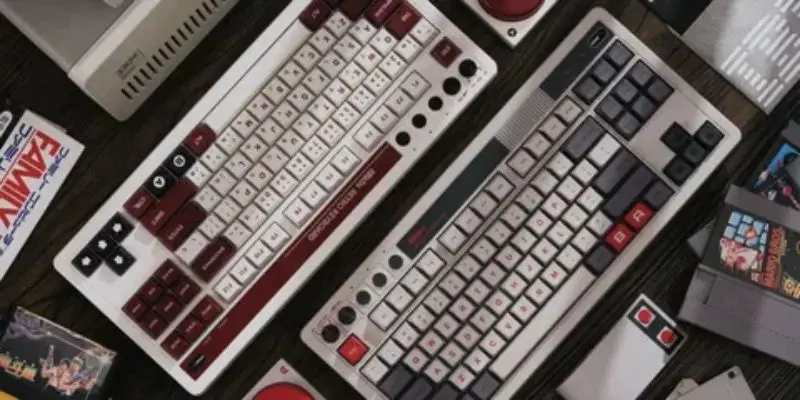
A mechanical keyboard is no longer just a niche product for tech enthusiasts. It has become a mainstream choice for gamers, programmers, writers, and professionals who want better performance, durability, and comfort. Whether you are upgrading from a membrane keyboard or buying your first high-quality keyboard, understanding how mechanical keyboards work will help you make a smarter investment.
This comprehensive guide covers everything from beginner basics to advanced buying advice, including switch types, keyboard sizes, comparisons, gaming recommendations, maintenance tips, and FAQs.
1. What Is a Mechanical Keyboard?
A mechanical keyboard is a keyboard that uses individual mechanical switches under each key instead of a rubber dome membrane system. Each key operates independently, providing better feedback and more accurate keystrokes.
Unlike membrane keyboards, which rely on a single rubber sheet to register input, mechanical keyboards use dedicated switches that activate at a specific actuation point. This results in a more precise and satisfying typing experience.
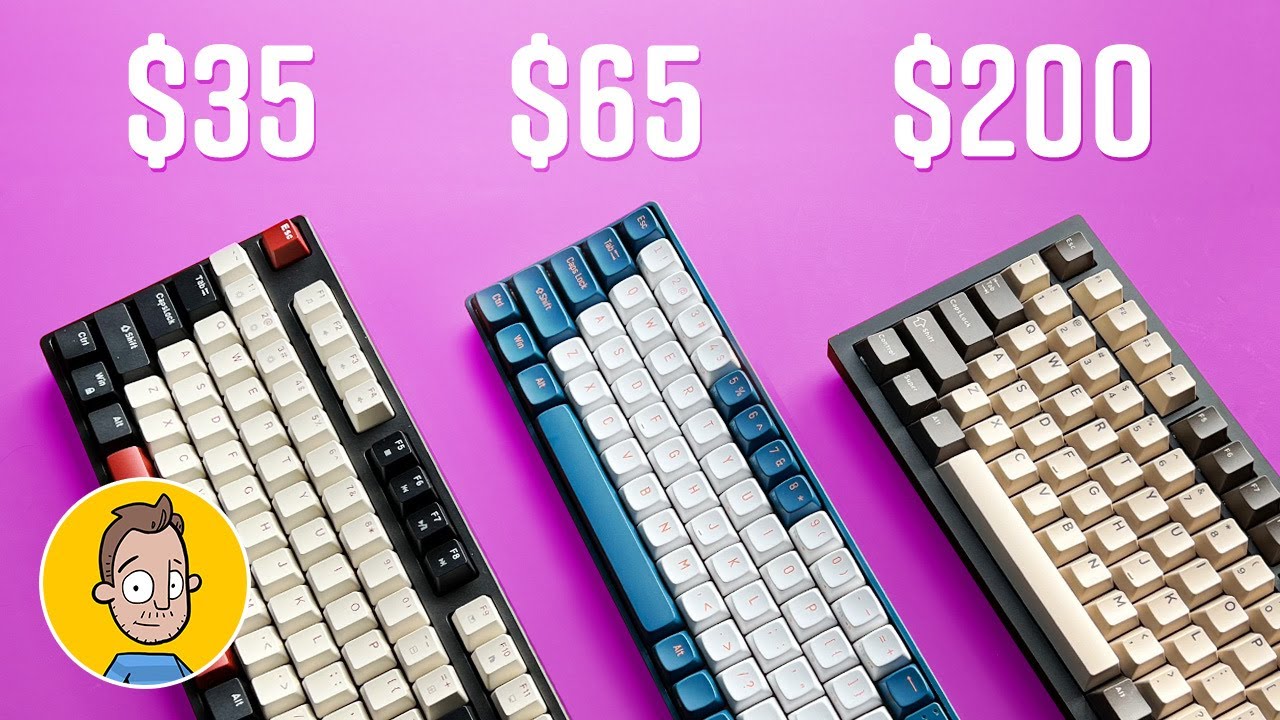
Mechanical keyboards are known for durability, often lasting between 50 to 100 million keystrokes per switch. They are also customizable, allowing users to change keycaps, switches, and even internal components.
1.1 Why Mechanical Keyboards Are Popular
Mechanical keyboards are popular because they offer:
- Superior typing feel
- Faster response times
- Long lifespan
- Customization options
- Better build quality
They are especially favored by gamers and professionals who spend long hours typing.
2. How Does a Mechanical Keyboard Work?
Understanding how a mechanical keyboard works helps explain why it feels different from standard keyboards.
Each key sits on a mechanical switch that contains a stem, spring, housing, and metal contacts. When you press a key, the stem moves downward and compresses the spring. At a specific actuation point, metal contacts connect and send a signal to the keyboard’s PCB (Printed Circuit Board), which then transmits the input to your computer.
One major advantage is that keys do not need to be pressed fully to register. This reduces finger fatigue and improves typing speed.
2.1 Key Components of a Mechanical Keyboard
The main components include:
- Mechanical switches
- Keycaps
- PCB (Printed Circuit Board)
- Stabilizers for larger keys
- Keyboard case and plate
Each component contributes to the overall feel and durability of the keyboard.
3. Types of Mechanical Switches
Switch type is the most important factor when choosing a mechanical keyboard. Mechanical switches fall into three main categories: linear, tactile, and clicky.
3.1 Linear Switches
Linear switches provide a smooth keystroke from top to bottom without any tactile bump or clicking sound. They are preferred by gamers because they allow rapid key presses and quick double-taps. These switches are generally quieter than clicky switches and provide consistent performance.
3.2 Tactile Switches
Tactile switches include a noticeable bump at the actuation point. This bump gives feedback that confirms when a key has registered. They are ideal for users who want a balance between gaming and typing performance. Tactile switches improve accuracy without producing excessive noise.
3.3 Clicky Switches
Clicky switches combine a tactile bump with an audible clicking sound. They provide strong feedback and are often compared to classic typewriters. These switches are excellent for typing but may be too loud for shared workspaces.
4. Mechanical Switch Comparison
Choosing between linear, tactile, and clicky switches depends on your use case.
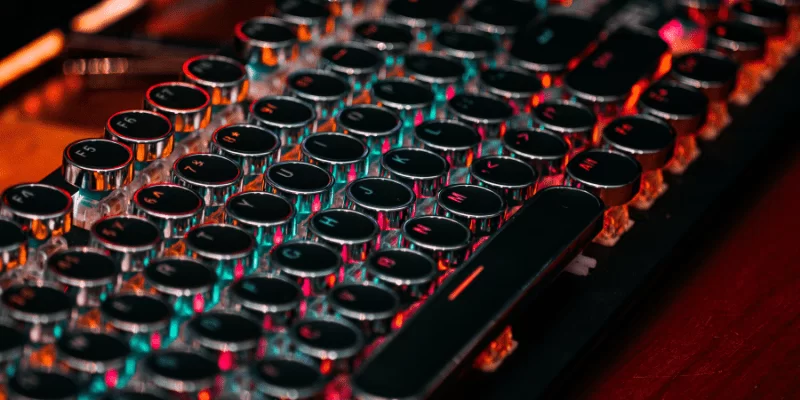
Linear switches are best for gaming due to their smooth travel and speed.
Tactile switches are ideal for mixed usage.
Clicky switches are best for users who enjoy strong audible feedback while typing.
Switches also differ in actuation force, measured in grams. Lighter switches require less pressure, while heavier switches provide more resistance.
5. Mechanical Keyboard vs Membrane Keyboard
Mechanical and membrane keyboards differ significantly in design and performance. Mechanical keyboards offer better durability, more precise keystrokes, and greater customization. Membrane keyboards are typically cheaper and lighter but tend to wear out faster. If you use your keyboard daily for long hours, a mechanical keyboard is usually the better long-term investment.
5.1 Which One Should You Choose?
If you prioritize budget and basic use, a membrane keyboard may suffice. If you value comfort, speed, and longevity, a mechanical keyboard is worth the upgrade.
6. Mechanical Keyboard Sizes Explained
Mechanical keyboards come in multiple layouts designed for different preferences and workspace setups.
6.1 Full Size (100%)
Includes all keys, including the numeric keypad. Ideal for office work and data entry.
6.2 Tenkeyless (TKL – 80%)
Removes the numeric keypad to save space. Popular among gamers who need extra mouse room.
6.3 75% Layout
Compact design that retains the function row. Balanced and space-efficient.
6.4 60% Layout
Removes the function row, numeric keypad, and dedicated arrow keys. Extremely compact and portable.
6.5 65% and 70% Layouts
Maintain arrow keys while staying compact. A popular choice for everyday users.
7. Wired vs Wireless Mechanical Keyboard
Choosing between wired and wireless depends on performance needs and desk setup.
7.1 Wired Mechanical Keyboard
Provides zero latency and consistent performance. Best for competitive gaming.
7.2 Wireless Mechanical Keyboard
Offers portability and a cleaner workspace. Modern wireless keyboards perform well, but serious gamers often prefer wired keyboards for maximum reliability.
8. Best Mechanical Keyboard for Gaming
A gaming mechanical keyboard should prioritize speed and responsiveness.
Look for features like:
- Linear or speed switches
- Anti-ghosting
- N-key rollover
- Low latency
- Durable build
Linear switches are typically preferred for competitive gaming because they allow fast and smooth key presses.
9. Best Mechanical Keyboard for Typing
For typing, comfort and feedback matter more than speed. Tactile switches provide excellent balance, while clicky switches deliver stronger feedback for writers who enjoy audible confirmation. Ergonomic design and wrist support can significantly reduce strain during long sessions.
10. Mechanical Keyboard Buying Guide
Determine whether you need it for gaming, professional work, or mixed usage. Choose the correct switch type based on your preference for sound and feedback. Select the appropriate size depending on your desk space and workflow.
Build quality also matters. Aluminum frames tend to be more durable than plastic cases. If customization is important, look for hot-swappable models that allow replacement of switches without soldering. Set a realistic budget and compare features before making your decision.
11. Maintenance and Cleaning Guide
It requires periodic maintenance to maintain performance. Basic cleaning every one to three months is recommended. Remove keycaps carefully and use compressed air to eliminate dust. Wash keycaps separately with mild soap and ensure they are fully dry before reattaching. Avoid spilling liquids directly onto switches. Regular maintenance significantly extends your keyboard’s lifespan.
12. Common Mistakes When Buying a Mechanical Keyboard
Many buyers focus only on RGB lighting and ignore switch type. Others choose the wrong size without considering their daily usage needs. Failing to check the noise level can create issues in shared environments. Researching thoroughly before purchasing prevents regret later.
13. Conclusion
A mechanical keyboard is more than just a standard typing device — it is a performance-driven tool designed for precision, comfort, and durability. With individual mechanical switches under each key, these keyboards provide superior tactile feedback, faster response time, and improved typing accuracy compared to traditional membrane keyboards. This makes them an excellent choice for gamers, programmers, content writers, and professionals who spend long hours typing.
One of the biggest advantages of a mechanical keyboard is its long lifespan. High-quality mechanical switches can last for millions of keystrokes, making them a cost-effective long-term investment. Additionally, users can choose from different switch types — such as linear, tactile, or clicky depending on their typing preference and noise tolerance. Features like RGB backlighting, customizable keycaps, anti-ghosting, and ergonomic designs further enhance the overall experience.
While mechanical keyboards may be slightly more expensive than regular keyboards, the enhanced comfort, durability, and performance justify the investment. For anyone seeking better productivity, smoother gameplay, or a premium typing experience, a mechanical keyboard is undoubtedly a smart and valuable choice.
14. FAQs
Yes, they provide faster response times and more precise actuation.
Tactile switches are generally ideal for typing.
Clicky switches are loud, while linear switches are quieter.
Yes, especially for heavy daily users.
Choose based on your desk space and whether you need a numeric keypad.
Only if your keyboard supports hot-swappable switches.
They are suitable for casual gaming, but wired is preferred for competitive play.
They can improve accuracy and reduce fatigue, which may increase speed over time.
They use higher-quality materials and individual mechanical switches.




- Be Respectful
- Stay Relevant
- Stay Positive
- True Feedback
- Encourage Discussion
- Avoid Spamming
- No Fake News
- Don't Copy-Paste
- No Personal Attacks
- Be Respectful
- Stay Relevant
- Stay Positive
- True Feedback
- Encourage Discussion
- Avoid Spamming
- No Fake News
- Don't Copy-Paste
- No Personal Attacks
