How to Choose a Gaming Keyboard (Comprehensive Guide)
Published: 9 Apr 2026
If you spend hours gaming, working from home, or typing every day, the keyboard you use matters more than you might think. Many people buy a keyboard based only on looks or price and later regret it. Slow response times, uncomfortable keys, and poor build quality can quickly ruin both your gaming experience and typing comfort. That’s why understanding how to choose a gaming keyboard is so important before making a purchase.
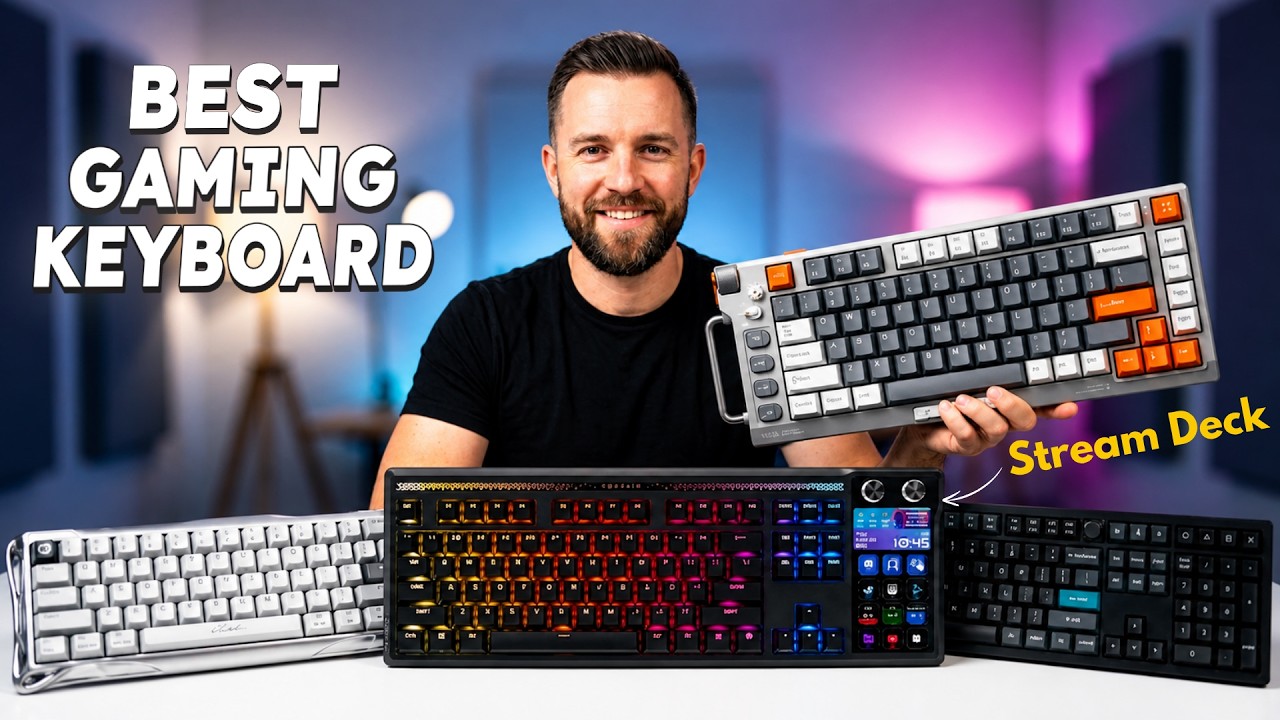
In the US, many gamers and remote workers want a keyboard that works well for competitive gaming, daily productivity, and a clean desk setup. The right keyboard can improve reaction speed, reduce hand fatigue, and make long sessions far more comfortable.
1. Why Choosing the Right Gaming Keyboard Matters?
It is more than just a typing device. It directly impacts your gameplay and reaction time.
Here are a few reasons:
Faster Response Time
These are built with high-speed switches that register keystrokes instantly.
Better Accuracy
Advanced features like anti-ghosting ensure that multiple keys can be pressed simultaneously without errors.
Improved Comfort
Ergonomic designs and quality keycaps reduce fatigue during long gaming sessions.
Customization Options
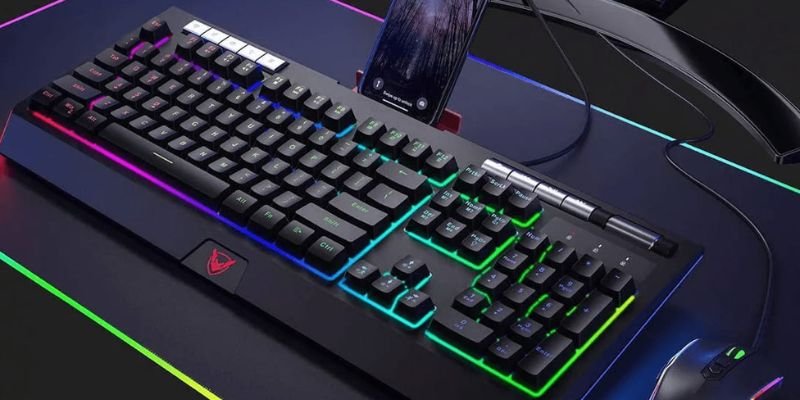
It allows users to customize RGB lighting, macros, and key functions.
2. Types of Gaming Keyboards
Understanding the different types of keyboards helps you choose the one that best suits your needs.
2.1 Mechanical Keyboards for Gaming
Mechanical keyboards are the most popular choice among gamers. They use individual mechanical switches under each key, providing precise feedback and faster response.
Advantages
- High durability
- Faster actuation
- Better tactile feedback
These keyboards are ideal for competitive gaming.
2.2 Membrane Keyboards
Membrane keyboards use a rubber dome under the keys. They are quieter and usually more affordable.
Advantages
- Budget-friendly
- Quiet typing
- Lightweight design
However, they may not offer the same speed and durability as mechanical keyboards.
2.3 Optical Keyboards
Optical keyboards use light-based actuation instead of physical contact.
Advantages
- Extremely fast response time
- Longer lifespan
- Reduced key debounce delay
Professional gamers often prefer them.
3. Keyboard Layout Sizes
It comes in different sizes depending on your desk space and gaming style.
3.1 Full-Size Keyboard
A full-size keyboard includes the number pad, function row, and navigation keys.
Best for
- Productivity and gaming
- Users who need a number pad
3.2 TKL (Tenkeyless) Keyboard
TKL keyboards remove the number pad, making them more compact.
Best for
- Gamers who want more mouse space
- Competitive FPS players
3.3 75% Keyboard
A 75% keyboard keeps most keys but in a compact layout.
Best for
Gamers who want a compact design with function keys.
3.4 60% Keyboard
This keyboard removes function rows and navigation keys to save space.
Best for
- Minimalist setups
- Portable gaming setups
4. Key Features to Look for in a Gaming Keyboard
These features should be your top priority.
4.1 Mechanical Switches
Switch type determines how the keyboard feels and performs.
Linear Switches
Smooth and fast, ideal for FPS gaming.
Tactile Switches
Provide noticeable feedback, good for both gaming and typing.
Clicky Switches
Produce a click sound and are popular among typists.
4.2 RGB Lighting
RGB lighting allows users to customize keyboard colors and effects.
Benefits include
- Personalized setup aesthetics
- Game-specific lighting profiles
- Better visibility in low light
4.3 Programmable Macros
Macros allow gamers to assign complex commands to a single key.
This feature is useful for
- MMO games
- Strategy games
- Productivity shortcuts
4.4 Build Quality
It should be durable and well-built.
Common materials include
- Aluminum frames for durability
- Double-shot keycaps for a longer lifespan
- Strong switches rated for millions of keystrokes
4.5 Anti-Ghosting and N-Key Rollover
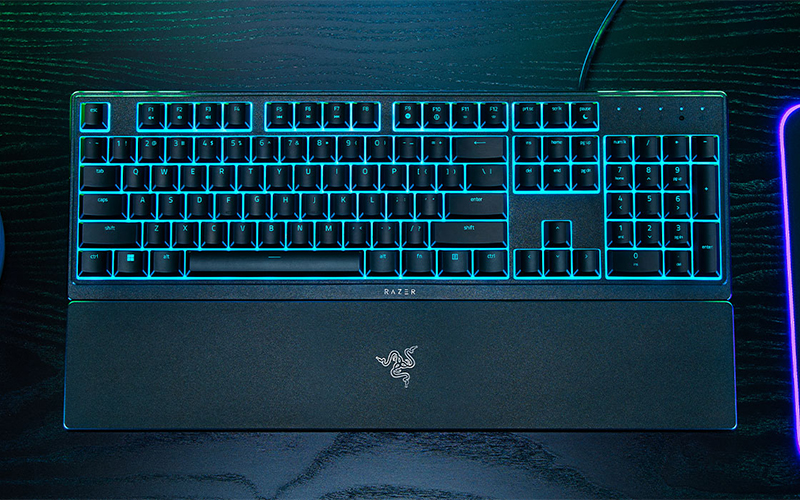
These features ensure that multiple keys can be pressed simultaneously without missing inputs. This is essential for fast-paced games where several commands must be pressed at once.
5. Wired vs Wireless Wooting Keyboards
Both wired and wireless have their own advantages.
5.1 Wired Keyboard for Gaming
Pros
- Lower latency
- No battery concerns
- Reliable connection
Cons
Limited mobility.
5.2 Best Wireless Gaming Keyboard
Pros
- Clean desk setup
- Portability
- Flexible positioning
Cons
- Battery management required
- Slightly higher cost
Modern wireless keyboards now offer very low latency, making them suitable even for competitive gaming.
6. Factors to Consider Before Buying a Keyboard
Before making a final decision, consider the following factors.
Switch Type
Choose switches that match your gaming and typing preferences.
Keyboard Size
Select a size that fits your desk space and gaming style.
Comfort and Ergonomics
Look for wrist rests and ergonomic design for long gaming sessions.
RGB Customization
If aesthetics matter to you, choose keyboards with advanced lighting options.
Budget
range from budget models to premium options.
7. Best Gaming Keyboards (Examples)
Here are some popular brands known for their performance and quality.
Corsair K70 RGB MK.2 – Premium build with mechanical switches
Logitech G Pro X – Compact keyboard designed for esports players
Razer BlackWidow V4 Pro – Advanced customization and RGB features
SteelSeries Apex Pro – Adjustable mechanical switches
Ducky One 2 Mini – Popular compact 60%
8. Common Mistakes When Choosing a Gaming Keyboard
Many gamers make these mistakes when buying a keyboard.
- Choosing only based on RGB
RGB lighting looks great, but should not be the main deciding factor. - Ignoring switch type
Switch type greatly affects gaming performance and comfort. - Not considering keyboard size
Some gamers buy large keyboards that take up too much desk space. - Buying without testing
If possible, test the keyboard feel before purchasing.
Conclusion
Choosing the right gaming keyboard is not just about RGB lighting or popular brands. The best keyboard is the one that matches your gaming style, typing needs, and desk setup. By understanding different keyboard types, sizes, switch options, and important features like anti-ghosting and programmable macros, you can make a smarter decision.
If you are still deciding how to choose a gaming keyboard, start by focusing on the basics. Pick the right switch type for comfort and speed, choose a keyboard size that fits your desk space, and look for durable build quality that will last for years.
It can improve your reaction time, enhance comfort during long sessions, and upgrade your entire gaming setup. Take your time, compare your options carefully, and invest in a keyboard that delivers both performance and reliability.
FAQs
Start by considering switch type, keyboard size, build quality, connectivity, and useful features like RGB lighting and programmable macros.
Linear switches are popular among gamers because they offer smooth keystrokes and fast response with minimal resistance.
Yes, mechanical models usually provide faster response, better durability, and more accurate key feedback compared to membrane options.
Modern wireless models now offer very low latency and stable connections, making them suitable even for competitive play.
Many gamers prefer TKL or 60% layouts since they save desk space and allow more room for mouse movement.
They can improve gameplay by offering faster input response, anti-ghosting support, and customizable controls.
Higher-end models often provide stronger build quality, longer lifespan, and additional customization features.
High-quality mechanical keyboards can last for several years because their switches are rated for tens of millions of keystrokes.




- Be Respectful
- Stay Relevant
- Stay Positive
- True Feedback
- Encourage Discussion
- Avoid Spamming
- No Fake News
- Don't Copy-Paste
- No Personal Attacks
- Be Respectful
- Stay Relevant
- Stay Positive
- True Feedback
- Encourage Discussion
- Avoid Spamming
- No Fake News
- Don't Copy-Paste
- No Personal Attacks
